
Deploy your first stack
This walkthrough deploys a one-service Nginx stack and shows where it lands on disk.
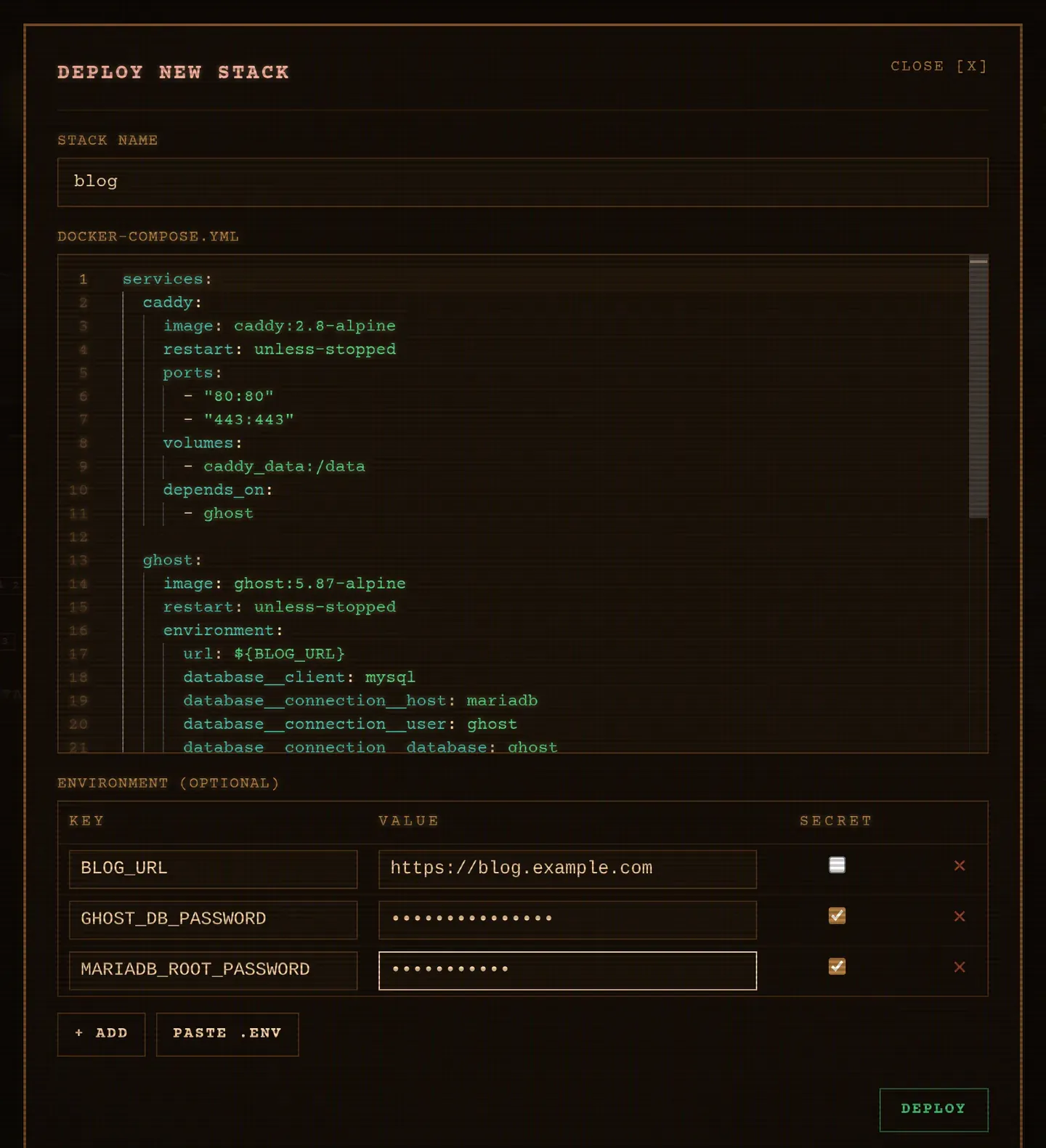
1. Write the Compose file
Section titled “1. Write the Compose file”services: web: image: docker.io/library/nginx:latest ports: - "8081:80" restart: unless-stopped2. Deploy it
Section titled “2. Deploy it”From the web UI
Section titled “From the web UI”- Click + STACK.
- Name it
my-web-server. - Paste the Compose file into the Monaco editor.
- Click Deploy.
From the TUI
Section titled “From the TUI”On the Stacks tab, press n, type my-web-server and Enter. Your editor
($VISUAL, $EDITOR, fallback vi) opens with a template: replace it, save
and quit. The environment table opens next; press w to deploy.
Leaving the template unchanged cancels the creation.
From the CLI
Section titled “From the CLI”kaio-cli stack deploy my-web-server ./compose.yml3. Check it
Section titled “3. Check it”kaio-cli stack lskaio-cli stack logs my-web-server --followThe stack row shows an aggregated state (RUNNING, EXITED, PARTIAL or
PAUSED), plus the CPU, RAM and network I/O of all its containers summed.
Nginx answers on http://localhost:8081.
4. Use it on that stack
Section titled “4. Use it on that stack”A running stack gives you the rest of the tool:
kaio-cli stack logs my-web-server --followkaio-cli stack scan my-web-serverkaio-cli container lskaio-cli container shell <id>stack logs merges every container of the stack into one stream, each line
prefixed by its service. stack scan runs Trivy and the findings land on the
image, container and stack rows you already read. container shell drops you
inside the container, Ctrl-] to detach.
The same three are a click away in the web UI, and l, v and ! in the TUI.
Where the files live
Section titled “Where the files live”data/└── stacks/ └── my-web-server/ ├── compose.yml └── .envThe directory is derived from the database path, or set explicitly with
KAIO_STACKS_DIR. Compose runs in that directory, which is why the
project name, and therefore container names like my-web-server-web-1 and the
my-web-server_default network, match the stack name.
Next steps
Section titled “Next steps”- Add environment variables to the stack
- Understand versions and rollback
- Scan the image for vulnerabilities
Kaio, built by Régis Gaidot