
Logs & terminal
Container logs
Section titled “Container logs”Live stdout / stderr streamed over SSE, in the browser, the TUI (l) or the
CLI:
kaio-cli container logs <id> --follow --tail 200Drop --follow (or pass ?follow=false on the API) for a one-shot snapshot.
Stack logs
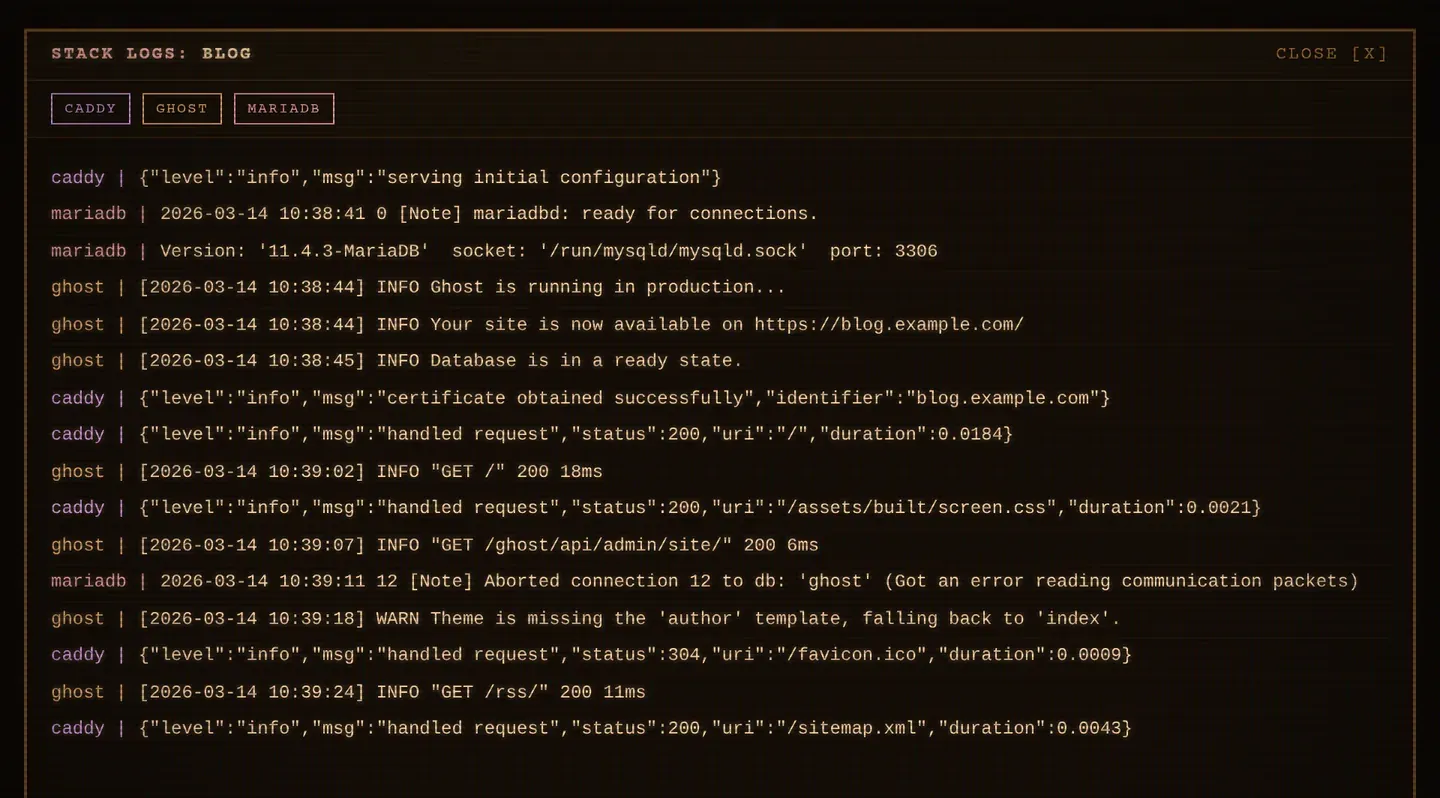
Section titled “Stack logs”The equivalent of docker compose logs -f: the logs of every container of a
stack merged into one stream, each line prefixed with its colour-coded service
name.
kaio-cli stack logs my-db --followIn the web UI, ⋮ STACK → Logs; in the TUI, l on a stack row.
- Click a service name to hide or show its lines.
- Scrolling up pauses the auto-scroll; ↓ Follow resumes it.
- The stream keeps following containers recreated by an update, apply, rollback or restart, so you do not have to reopen it after a deploy.
- The initial backlog is interleaved by timestamp, so the first screen reads in chronological order across services.
Tail size
Section titled “Tail size”The number of past lines loaded when opening logs is set by
KAIO_LOGS_TAIL (default 100, max 10000). For stacks it applies
per container, like docker compose logs --tail.
Override it per request with ?tail= on the API, or --tail on the CLI.
Stream format
Section titled “Stream format”Both the container and stack log streams emit one JSON object per line:
{"service":"db","container":"my-db-db-1","stream":"stdout","ts":"…","line":"…"}That makes them straightforward to pipe into jq or a log shipper.
Interactive terminal
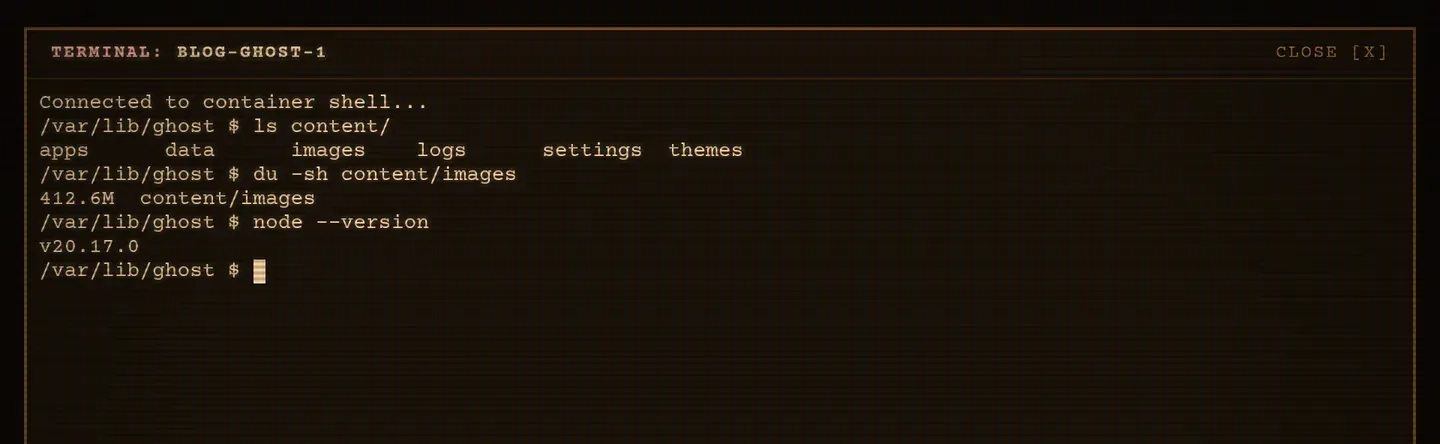
Section titled “Interactive terminal”Open a fully functional sh in any running container, over WebSocket, with
xterm.js in the browser.
| Interface | How | Detach |
|---|---|---|
| Web | Container row → [..] → Terminal |
Close the panel |
| TUI | ! on a container |
Ctrl-] |
| CLI | kaio-cli container shell <id> |
Ctrl-] |
Related
Section titled “Related”Kaio, built by Régis Gaidot